The Tech Mom's Guide to a Smart Nursery: 5 AI-Powered Baby Monitor Setups Worth Every Dollar (2026)
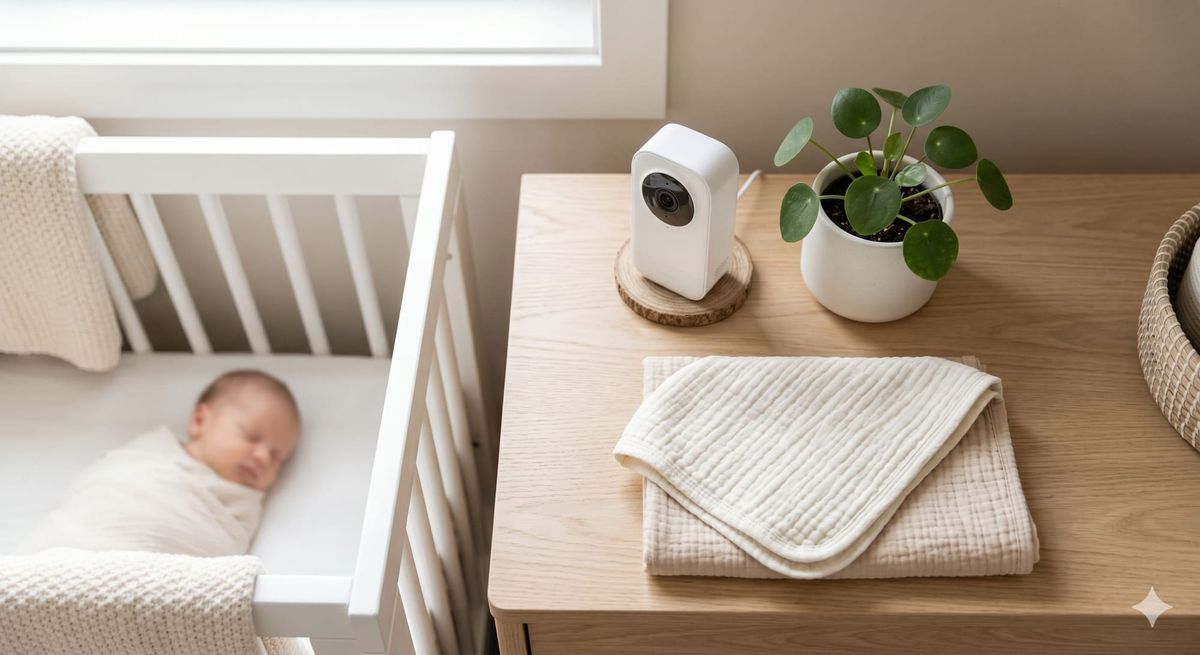
You're running on four hours of sleep, a 9 AM standup is looming,
and you have absolutely no idea if your baby is actually asleep
or orchestrating chaos from her crib.
Welcome to the working mom's 2 AM dilemma.
As a working mom to a 15-month-old, I refused to accept
"just check the app" as a solution. I needed actual intelligence —
the kind that tells me sleep cycle stage, room temperature drift,
and whether that sound was a whimper or a full wake-up, all before
I've touched my coffee.
I've broken down the top AI-powered nursery monitoring setups
by what they actually do — the data they collect, the patterns
they learn, and whether they genuinely give you back sleep
(and sanity). Because for working moms, time is the only
non-renewable resource.
Here's what's actually worth your money.
The Smart Nursery Framework: What AI Monitoring Actually Does
Not all "smart" monitors are created equal. There's a meaningful
difference between a monitor with an app and a monitor with
genuine machine learning capability.
True AI-powered baby monitors do three things standard monitors
don't: they learn your baby's specific sleep patterns over time,
they differentiate between sleep stages using movement and
breathing data, and they send predictive alerts before a full
wake-up — not after.
The gold standard setups combine a video/audio monitor with a
dedicated wearable or under-mattress sensor. Together, they
create a closed-loop data system that any data-minded parent
will immediately appreciate.
Here's what the current market's best options look like
side by side.
Smart Baby Monitor Comparison: The 2026 Tech Mom Edit
| Monitor | Key AI Feature | Best For |
|---|---|---|
| Nanit Pro | Sleep score + breathing motion tracking via computer vision | Visual learners who want nightly PDF sleep reports |
| Owlet Dream Duo | Pulse oximetry sock + HD camera, tracks O2 + heart rate | Parents who want medical-grade biometric data |
| Miku Pro | Radar-based breathing monitoring (no wearable needed) | Minimalists who hate clips and socks |
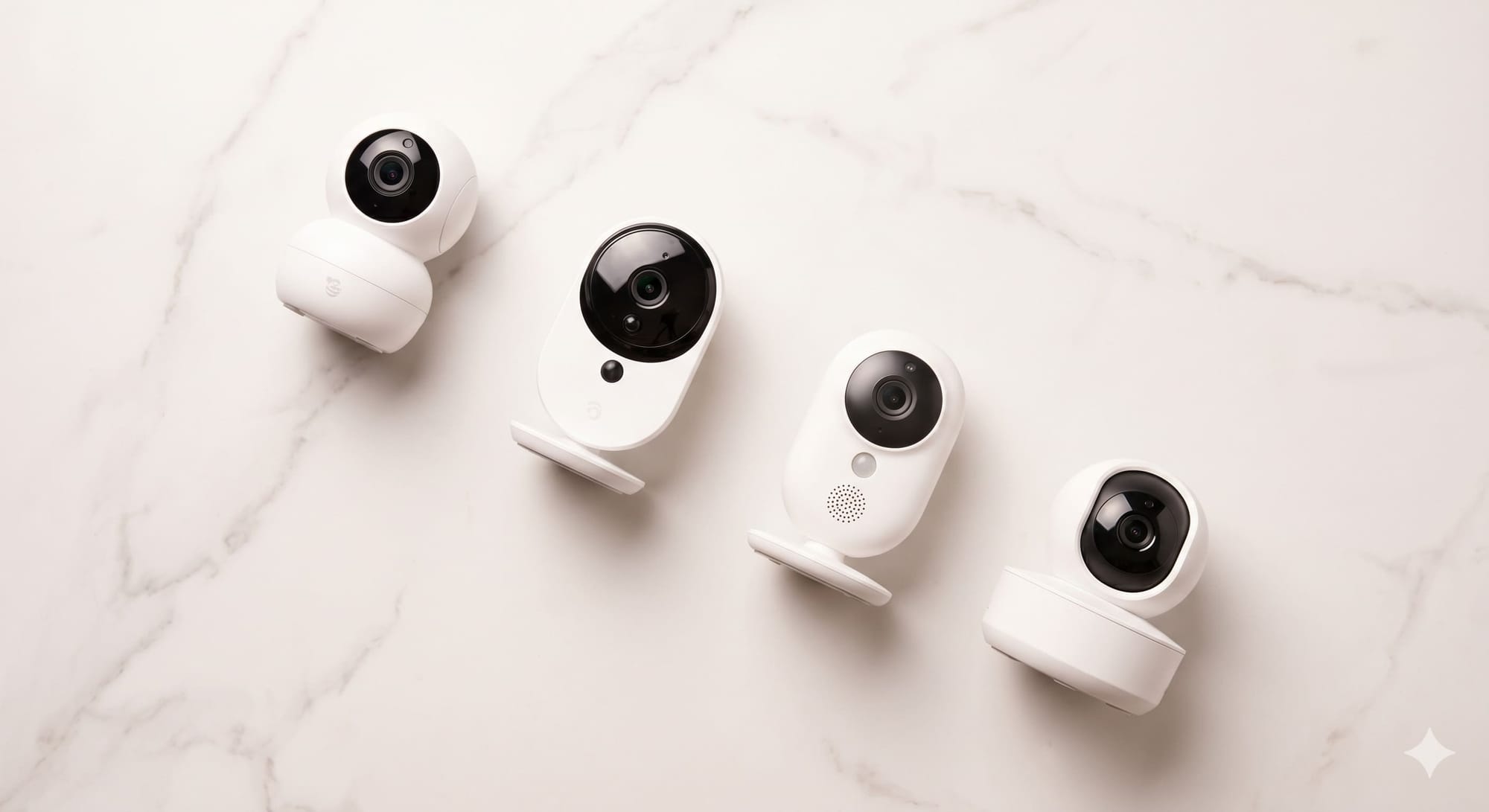
| Infant Optics DXR-8 Pro + Sense-U Clip | Budget split-system: separate camera + clip-on tracker | Value-focused families wanting modularity |
Affiliate note: As an Amazon Associate, I earn from qualifying
purchases at no extra cost to you.
What Actually Happened When I Switched to AI Monitoring
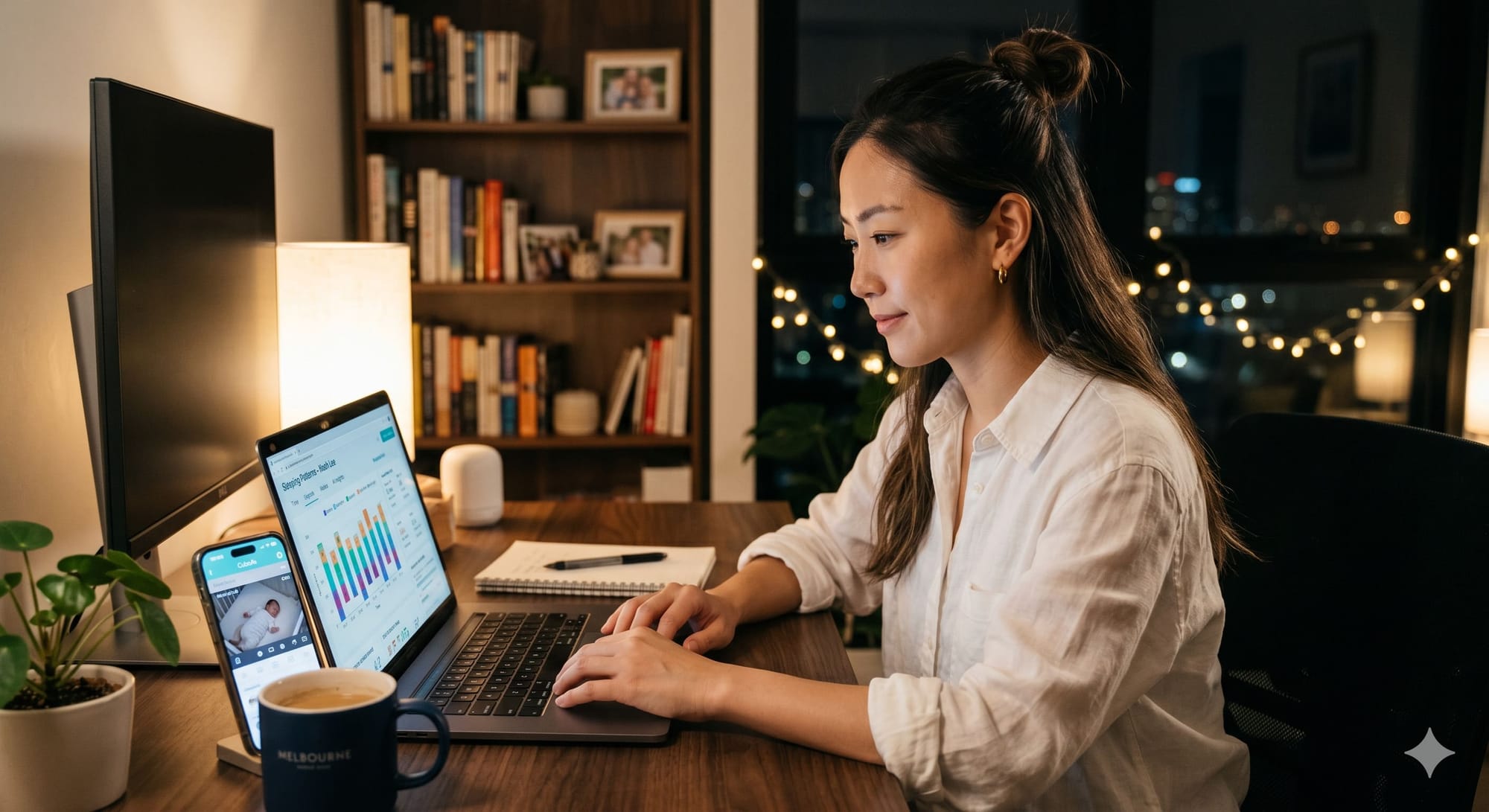
When I finally made the switch to an AI-powered smart monitor, the biggest change was the immediate relief from constant worry. Whenever my baby moved or made a sound, a precise alert popped up right on my phone, meaning I could finally relax or focus on other tasks while they slept without staring at the screen every two minutes.
What I love most is that the system automatically tracks and analyzes my baby’s sleep patterns. I no longer have to stress over manually logging every single nap and wake-up time, giving me true, hands-free peace of mind.
The Working Mom's Buying Guide: What to Look For on Amazon
Before you hit "Add to Cart," here's what separates a genuinely
intelligent monitor from expensive marketing fluff.
Data ownership and export:
- Does the app let you download your baby's sleep data?
Nanit does. Most others don't. If you want to cross-reference
with your own tracking system, this matters. - Avoid platforms that lock historical data behind a premium
subscription paywall after the first year.
Subscription model awareness:
- Nanit and Owlet both charge monthly fees ($10–$20/month)
for full AI features. Factor this into your total cost
of ownership — a $300 monitor with a $180/year subscription
is a $480 first-year investment. - Miku's core breathing monitoring is subscription-free.
Worth noting for minimalists.
Connectivity and reliability:
- Dual-band Wi-Fi (2.4GHz + 5GHz) is non-negotiable for
a device you'll rely on overnight. Check the spec sheet,
not just the product photos. - Local storage backup (SD card slot) is a significant plus
if your home Wi-Fi is inconsistent.
Camera specs that actually matter:
- 1080p is table stakes. Look for 130°+ wide-angle field of view
(critical once your baby starts pulling to stand at the crib rail). - Night vision quality varies wildly. Read the 1-star reviews
specifically about night image quality — they're the most honest.
Wearable comfort for the baby:
- Sock-based monitors (Owlet) require your baby to keep them on.
At 15 months, mine would not. Clip-on or camera-only systems
are dramatically more practical at toddler age.
The Bottom Line for the Data-Driven Mom
The right AI baby monitor isn't the one with the most features
on the box. It's the one that fits your specific workflow —
how you consume data, how much you trust automation,
and how much overnight monitoring anxiety you're carrying.
For the working mom who thinks in dashboards: Nanit Pro
delivers the most structured, actionable sleep data.
For the mom who wants the deepest physiological insight:
Owlet Dream Duo is in a category of its own.
For the minimalist who wants a clean, no-wearable solution:
Miku Pro is elegantly designed and genuinely smart.
You don't need all three. You need the one that matches
how your brain works at 11 PM.
Your sleep — and your baby's — is worth the research.